In digital content creation and social media marketing, image aspect ratios often determine the display effectiveness of content. However, we frequently encounter situations where we need to adjust image dimensions without cropping important content. The emergence of AI Image Expander (Uncrop) technology perfectly solves this challenge. This article will explore in depth how to use AI Image Expander to extend image boundaries, including technical principles, practical tips, and best practices.
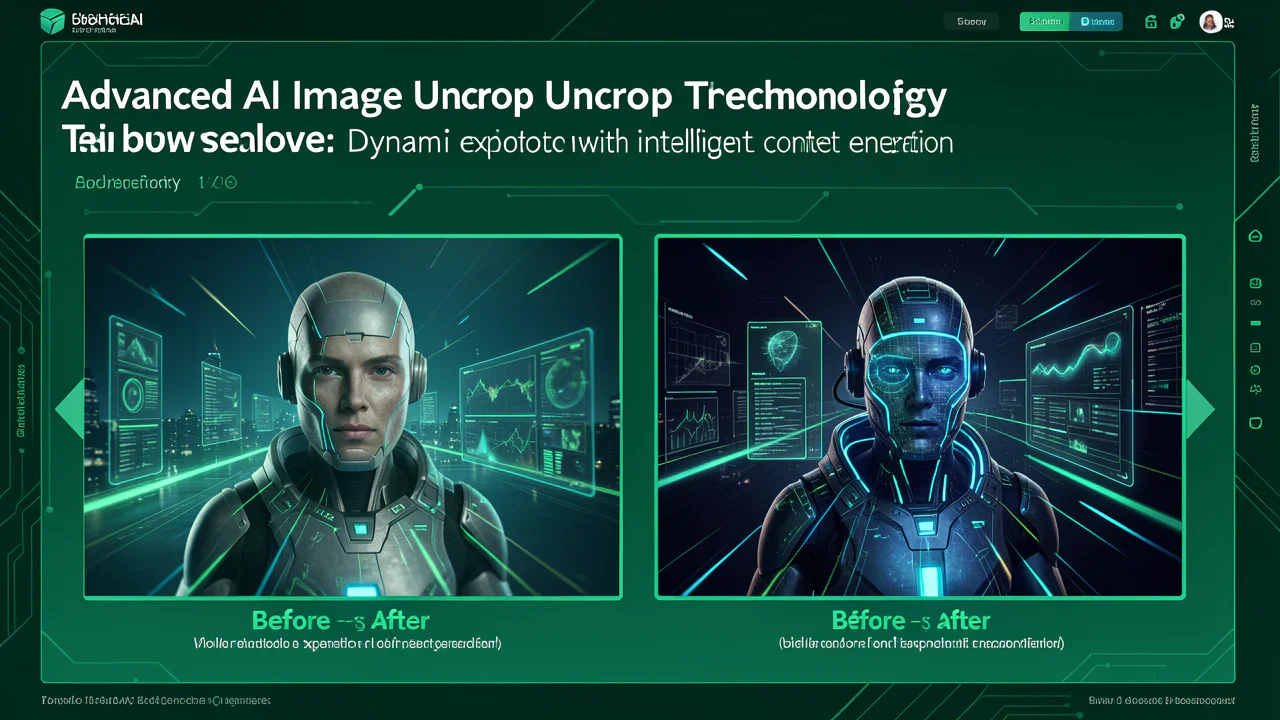
What is AI Image Expander?
AI Image Expander (Uncrop) is an artificial intelligence-based image processing tool that can intelligently extend the boundary areas of images, rather than simply cropping or stretching them. Unlike traditional image editing methods, AI Image Expander can:
Technical Principles of AI Image Expander
Deep Learning Image Inpainting Technology
The core technology of AI Image Expander is based on Image Inpainting and Content-Aware Fill techniques:
Generative Adversarial Network (GAN) Architecture
Modern AI Image Expanders typically employ the following technical architecture:
How to Choose the Right Expansion Ratio
When using AI Image Expander, selecting the appropriate target ratio is crucial:
1:1 Square Ratio (Free to Use)
16:9 Landscape Ratio
9:16 Portrait Ratio
4:3 and 3:4 Ratios
Best Practices for Using AI Image Expander
Image Preparation Phase
- Ensure original image content is complete, avoid important elements being cut off
- Select images with relatively simple or regular backgrounds for better results
- Recommend using high-quality JPG, PNG, or WEBP formats
- Source images should not be too small (recommend at least 512x512 pixels)
- Keep file size under 5MB to ensure processing efficiency
- Avoid using overly compressed images
Operation Workflow Optimization
- Confirm image format meets requirements
- Check if image has obvious damage or severe noise
- Estimate expansion effect requirements
- Choose appropriate target ratio based on final use
- Consider balance between generation quantity and processing time
- Generate multiple versions for important projects to provide more choices
- Carefully check the naturalness of expanded areas
- Compare style consistency between original and processed results
- Confirm expansion effects meet usage requirements
Z-Image AI Image Expander Advantages
Technical Advantages
Advanced AI Algorithms: Z-Image employs the latest image inpainting and content generation technologies, capable of intelligently analyzing image content and generating high-quality expanded areas.
Multi-Ratio Support: Provides five common ratio options: 1:1, 16:9, 9:16, 4:3, 3:4 to meet different platform and usage needs.
Fast Processing: Optimized algorithm architecture ensures completion of image expansion processing within 10-30 seconds.
User Experience Advantages
Simple and Easy to Use: Intuitive interface design, just upload image and select ratio for one-click expansion.
Batch Generation: Supports generating multiple versions simultaneously, providing more choice space.
Real-time Preview: Provides before-and-after comparison preview, letting users intuitively understand expansion effects.
Security and Privacy Protection
Data Security: All image uploads use SSL/TLS encrypted transmission to ensure data security.
Privacy Protection: Automatically deletes user-uploaded images after processing completion to protect user privacy.
Free to Use: Basic features provided for free, no need to download or install any software.
Practical Usage Tips and Recommendations
Optimization Strategies for Different Image Types
Portrait Photos:
Landscape Photos:
Product Images:
Common Problem Solutions
Unnatural Expansion Effects:
Processing Takes Too Long:
AI Image Expander Application Scenarios
Social Media Content Creation
Instagram Content Optimization:
YouTube and Video Platforms:
E-commerce and Product Display
Product Photography Optimization:
Marketing Material Creation:
Professional Design Applications
Web Design:
Print Design:
How to Get Started with Z-Image AI Image Expander
Quick Start Guide
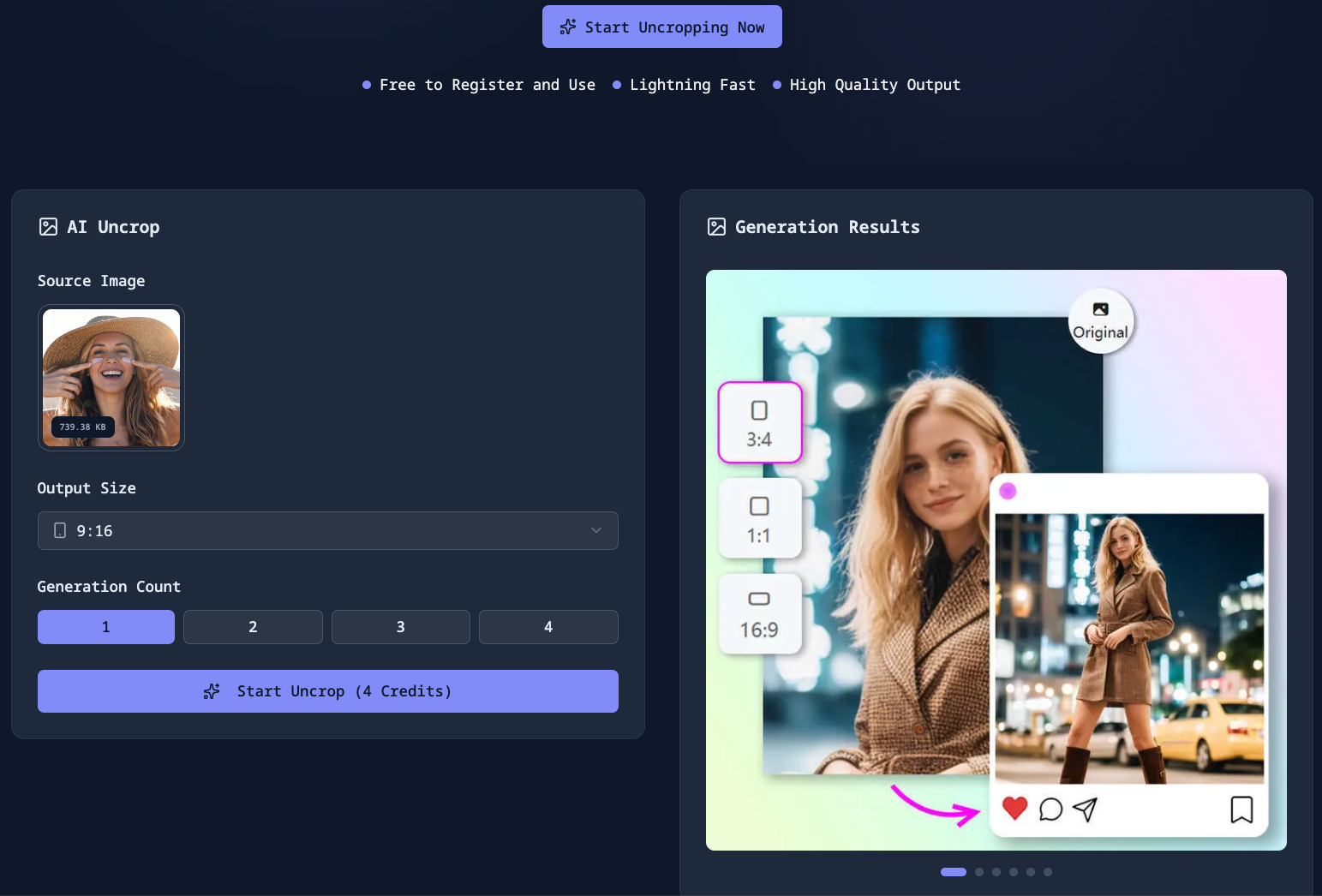
Step 1: Access Platform
Visit https://zimage.run/uncrop to enter the AI Image Expander feature page.
Step 2: Upload Image
Step 3: Select Target Ratio
Choose target ratio based on your needs:
Step 4: Start Processing
Click the generate button, and the system will begin AI expansion processing. Processing time is usually 10-30 seconds, depending on image complexity and target ratio.
Step 5: Download Results
After processing is complete, you can preview the expansion effect and download high-quality results after confirmation.
Frequently Asked Questions (FAQ)
Q: What's the difference between AI Image Expander and traditional cropping methods?
A: Traditional cropping loses image content, while AI Image Expander uses intelligent algorithms to generate new boundary content, maintaining original image integrity while expanding to target ratios.
Q: How long does it take to process one image?
A: Processing time depends on image complexity and target ratio. Generally:
Q: What image formats are supported?
A: Z-Image AI Image Expander supports the most commonly used image formats, including JPG/JPEG, PNG, and WEBP. Maximum file size is 5MB per image.
Q: Is using AI Image Expander safe?
A: Yes, it's very safe. All image uploads use SSL/TLS encrypted transmission, and the system automatically deletes user-uploaded images after processing completion, fully protecting user privacy.
Q: Can multiple images be processed in batches?
A: Yes, Z-Image supports batch processing functionality. You can upload multiple images at once for expansion processing, greatly improving work efficiency.
Conclusion
AI Image Expander technology represents a major innovation in the field of image processing. Through deep learning and content-aware fill technology, we can now intelligently expand image boundaries without the content loss issues of traditional cropping methods.
Z-Image AI Image Expander as an excellent implementation of this technology provides:
Whether you are a social media creator, designer, or regular user, AI Image Expander can help you easily adjust image ratios to meet various platform and usage needs.
Visit https://zimage.run/uncrop now to experience the powerful functionality of AI Image Expander and make your images fit any size requirements!
Link
*Keywords: AI Image Expander, Uncrop, Image Boundary Extension, Smart Cropping, Content-Aware Fill, Image Ratio Adjustment, Social Media Image Optimization*